
Website Image Size Audit Tool
Check image size, format & optimization issues
✔ 100% Free • ✔ No Login • ✔ Secure Scan
Powered by freeimageresizer.net
Website Image Size Audit Tool, Allow to Check website image size, format, and optimization issues with our free Website Image Size Audit Tool
Large and unoptimized images are one of the biggest reasons why websites load slowly. A slow website not only gives a bad user experience but also hurts your Google rankings. That is why using a Website Image Size Audit Tool is very important for every website owner, blogger, and SEO professional.
Our Website Image Size Audit Tool helps you check image size, image format, and optimization issues on any web page in seconds. The tool is completely free, fast, and works directly in your browser.
What Is a Website Image Size Audit Tool?
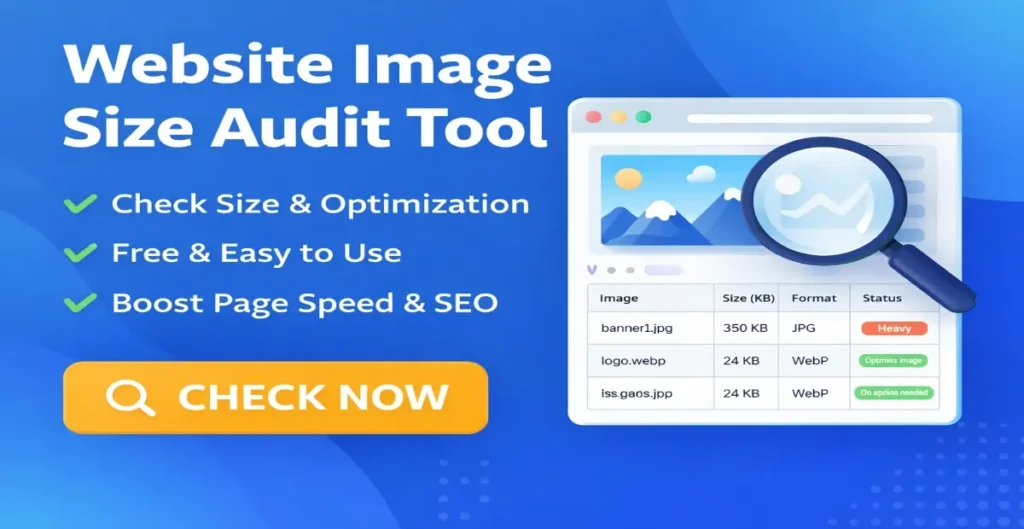
A Website Image Size Audit Tool is an online tool that scans a web page and analyzes all images used on that page. It shows important details such as image file size, image format (JPG, PNG, WebP), and whether the image is optimized or too heavy.
With this information, you can easily identify which images are slowing down your website and what actions you should take to fix them.
Why Image Size Optimization Is Important for SEO
Image optimization plays a major role in website performance and search engine rankings. When images are too large, pages take longer to load. Google considers page speed as a ranking factor, especially for mobile searches.
Optimized images help improve Core Web Vitals, reduce bounce rate, and provide a better user experience. This is why Google recommends serving properly sized images and using next-generation formats like WebP.
How Our Website Image Size Audit Tool Works
Using this tool is very simple. You just need to enter the URL of the web page you want to check. The tool scans the page, finds all images, and analyzes them one by one.
After the scan, you get a clear report showing image size in KB, image format, optimization status, and suggestions such as compressing the image or converting it to WebP format. No login is required, and your website data is not stored.
Key Features of Website Image Size Audit Tool
This tool is designed to be simple but powerful. It checks image size accurately, detects heavy images, identifies WebP and non-WebP images, and provides clear optimization suggestions.
You also get a page summary showing total images, heavy images, and WebP images, which makes it easy to understand the overall image health of your page. The tool is fully responsive and works perfectly on mobile, tablet, and desktop devices.
Read also: What is WEBP read full artilce here,
Who Should Use This Tool?
This Website Image Size Audit Tool is useful for bloggers who want faster page loading, SEO experts who want to improve rankings, website owners who want better performance, and developers who want quick image analysis without using complex software. It is also very helpful for beginners who do not have technical knowledge but want to optimize their website images correctly.
Common Image Optimization Issues This Tool Helps Identify
Many websites use images that are too large for their layout. Some websites still use PNG or JPG images when WebP would be a better choice.
Others forget to compress images before uploading. This tool helps you quickly identify these problems so you can fix them and improve website speed.
Benefits of Using Our Free Image Audit Tool
Using this tool helps you improve page speed, enhance user experience, and increase your chances of ranking higher on Google. It saves time by giving instant results and clear suggestions.
Because it is a free and browser-based tool, you can use it anytime without installing anything.
Is This Website Image Size Audit Tool Safe?
Yes, this tool is completely safe. It only scans publicly available images on the provided URL. No images are downloaded or stored on our server. Your privacy and website security are fully protected.
Frequently Asked Questions (FAQs)
For most websites, images should be under 100 KB whenever possible. Smaller images load faster and improve performance.
Yes, the tool detects WebP images and shows them separately in the report.
You can audit one page at a time. Simply enter a new URL to scan another page.
Yes, the Website Image Size Audit Tool is 100% free with no usage limits.
Yes, optimized images improve page speed, Core Web Vitals, and overall SEO performance.
Final Words
If you want a faster website, better SEO rankings, and improved user experience, image optimization is not optional. Our Website Image Size Audit Tool makes it easy to analyze and optimize images without any technical skills. Try the tool now and see how small image improvements can make a big difference to your website performance.
Other Useful tools:
- Social Media Image Size Finder
- Resize Photo for Instagram
- All Image Format Converter
- Image Resizer
- Passport Photo Maker
- Circle Crop Image