
Image DPI Converter
Convert image DPI for passport photos, government forms & printing.
If you are uploading a photo for a passport, government form, job application, or printing, DPI is very important. Many people face rejection just because the image DPI is not correct.
Our Image DPI Converter helps you change image DPI online in a few seconds. You do not need to install any software, and your image is never uploaded to any server. This tool works directly in your browser and is completely free.
What Is DPI in an Image?
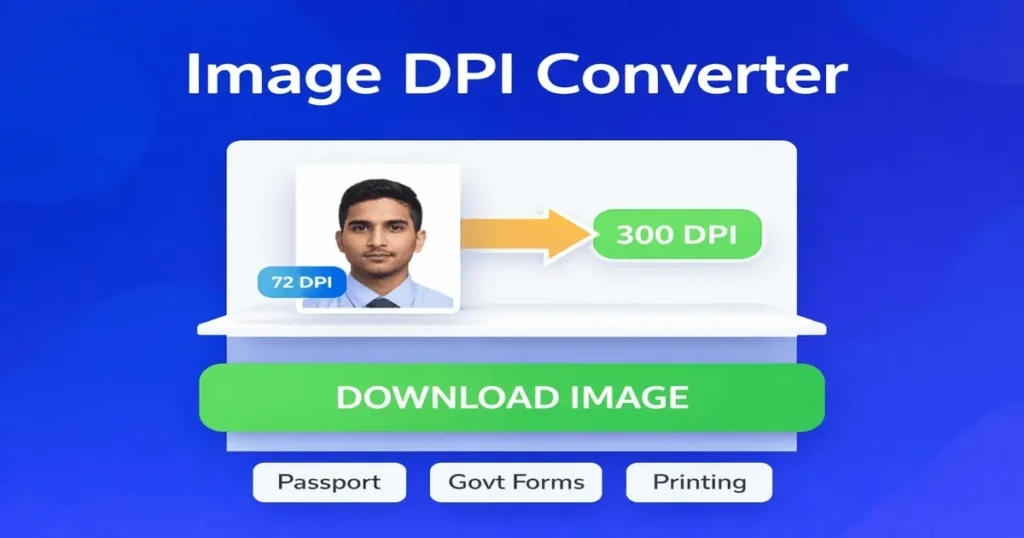
DPI means Dots Per Inch. It tells how many dots of ink are used in one inch when an image is printed. Higher DPI = better print quality Lower DPI = good for screen or web use Most government and passport forms ask for 150 DPI or 300 DPI images.
Why Image DPI Is Important?
Many official websites clearly mention DPI requirements, such as: Passport photo – 300 DPI Government forms – 150 DPI Resume or ID photo – 300 DPI If your image DPI is wrong, the form may get rejected even if the image size looks correct. That’s why using a proper Image DPI Converter is important.
How to Use This Image DPI Converter Tool
Using this tool is very easy and beginner-friendly. First, upload your JPG or PNG image using the upload button. Then select the required DPI from the dropdown or use preset buttons like Passport or Government Form.
Click on Convert Image. You will see a preview of the converted image. Finally, click Download Image to save the final file. That’s it. No registration. No watermark.
Passport & Government DPI Presets
To make things easier, this tool includes ready-made presets. Passport Photo – 300 DPI Government Form – 150 DPI These presets are helpful for students, job seekers, and anyone filling online forms.
Does This Tool Reduce Image Quality?
No. This Image DPI Converter does not blur or damage your image. The image pixels remain the same. Only the DPI value is adjusted to match document requirements. So your photo stays clear and sharp.
Is This Image DPI Converter Safe?
Yes, 100% safe. Your image is processed directly in your browser. No image is uploaded to any server. No data is saved or shared. This makes it perfect for sensitive documents like passport photos and ID images.
Supported Image Formats
You can use this tool with: JPG / JPEG images PNG images Both formats are commonly accepted on government and job portals.
When Should You Use 300 DPI?
You should use 300 DPI when: Uploading passport photos Printing photos or documents Submitting resume or official ID images Using images for high-quality print
When Is 150 DPI Enough?
150 DPI is usually required for: Government forms Online document uploads Application forms Always check the form instructions before uploading.
Why Use Our Image DPI Converter?
There are many tools online, but most of them are confusing or unsafe. Our tool is different because: It is free to use No login required Works on mobile and desktop Very simple interface Instant preview before download No server upload – 100% private This makes it ideal for everyone, even if you are not technical.
Common Mistakes People Make With DPI
Many people think DPI changes image size on screen. This is not true. DPI affects printing, not screen display. Another mistake is resizing the image instead of changing DPI. This can reduce quality. Using a proper DPI converter avoids these problems.
Frequently Asked Questions
Can I use this tool on mobile?
Yes, this Image DPI Converter works perfectly on mobile phones, tablets, and desktops.
Will this tool change image size?
No. The pixel size stays the same unless you resize it separately.
Is this tool really free?
Yes, it is completely free with no hidden limits.
Can I use it for passport photos?
Yes, the passport preset uses 300 DPI, which is commonly required.
Final Words
If you are looking for a simple, fast, and safe Image DPI Converter, this tool is made for you. Whether you are a student, job seeker, or professional, you can easily convert image DPI without any technical knowledge. Use this tool, save time, and avoid rejection due to wrong image DPI.
👉 Try the Image DPI Converter above and download your image instantly.