
Image Color Picker
Trusted by thousands of designers & developers worldwide.
Our Image Color Picker is a free online tool that helps you pick exact color codes from any image. You can upload an image and simply move your mouse or finger over the image to find the color you want.
This tool works as a color finder from image, color identifier from image, color selector from image, and color chooser from image in one simple interface.
You do not need to sign up or install any software. Everything works directly in your browser, and your image is processed locally for better privacy.
After choosing colors, you can also use our image accessibility checker to ensure your image is readable for all users.
How to Use the Image Color Picker?
Using this image color picker tool is very easy. First, click on the upload button and select an image from your device.
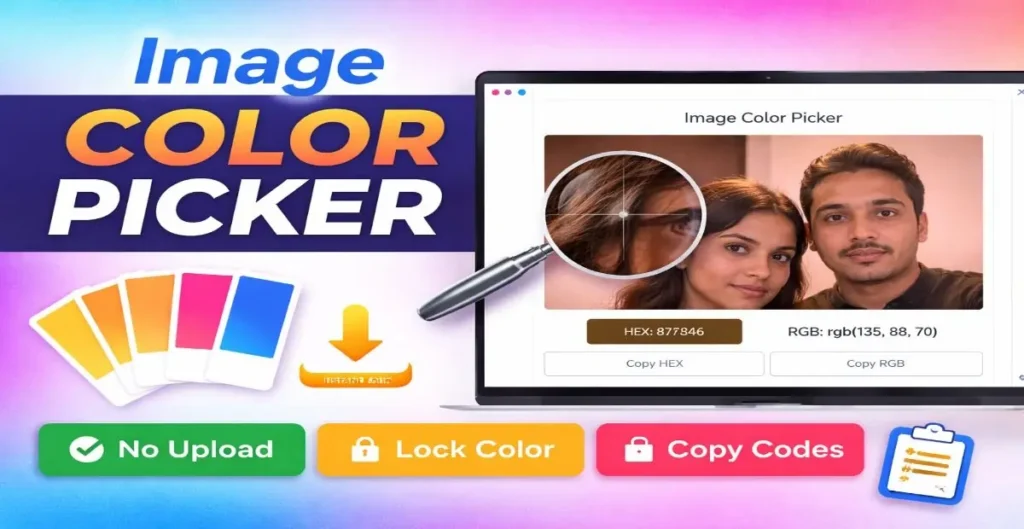
Once the image appears on the screen, move your mouse cursor or tap on any part of the image. The tool will instantly show the HEX color code and RGB color value of that exact point.
If you find the color you like, you can lock the color and copy the HEX or RGB value using the copy buttons. This makes the tool very useful as a fast color selector from image.
Features of This Image Color Picker
This tool is designed to be simple, fast, and accurate. It works as an advanced color chooser from image with modern features. You can upload JPG, PNG, or WEBP images without any size issue. The tool shows real-time color detection when you move the cursor over the image.
It also includes a zoom magnifier to help you select colors more accurately from small details. You can lock the final color and copy HEX or RGB codes with one click. The layout is fully responsive, so the image color picker works perfectly on mobile, tablet, and desktop devices.
Why Use Our Color Finder from Image?
Many designers, developers, and content creators need exact color codes from images. Our color finder from image saves time by giving instant and accurate results.
Unlike basic tools, this color identifier from image does not upload your image to a server. Everything happens in your browser, which keeps your image safe and private. The tool is fast, lightweight, and works smoothly even on low-end devices.
Who Can Use This Color Identifier from Image?
This image color picker tool is useful for many people. Graphic designers can quickly identify brand colors from images. Web developers can find HEX and RGB values for website designs. Digital marketers can extract colors from ads or banners.
Students and beginners can also use this color chooser from image to learn about colors easily. No technical knowledge is required to use this tool.
Image Color Picker vs Manual Color Guessing
Manually guessing colors from an image is not accurate and wastes time. Our color selector from image gives exact color codes in seconds. You get precise HEX and RGB values without any confusion. This helps you maintain color consistency in your designs and projects.
Frequently Asked Questions (FAQs)
Is this Image Color Picker free to use?
Yes, this image color picker is completely free with no limits.
Does this color finder from image work on mobile?
Yes, the tool is fully responsive and works on mobile phones and tablets.
Are my images uploaded to any server?
No, images are processed locally in your browser for privacy.
Can I copy HEX and RGB color codes?
Yes, you can easily copy both HEX and RGB values with one click.
Which image formats are supported?
You can upload JPG, PNG, and WEBP images.
Final Words
If you are looking for a fast, accurate, and easy-to-use image color picker, this tool is the perfect choice. It works as a powerful color finder from image, color identifier from image, color selector from image, and color chooser from image — all in one place. Try the tool now and pick perfect colors from any image instantly.