
The Image Accessibility Checker is a free online tool that helps you check whether an image follows basic WCAG (Web Content Accessibility Guidelines).
This tool analyzes your image and gives an accessibility score along with clear suggestions to improve usability for all users, including people with visual impairments.
By using this tool, website owners, bloggers, designers, and developers can quickly identify accessibility issues in images and make their content more inclusive.
What Is Image Accessibility?
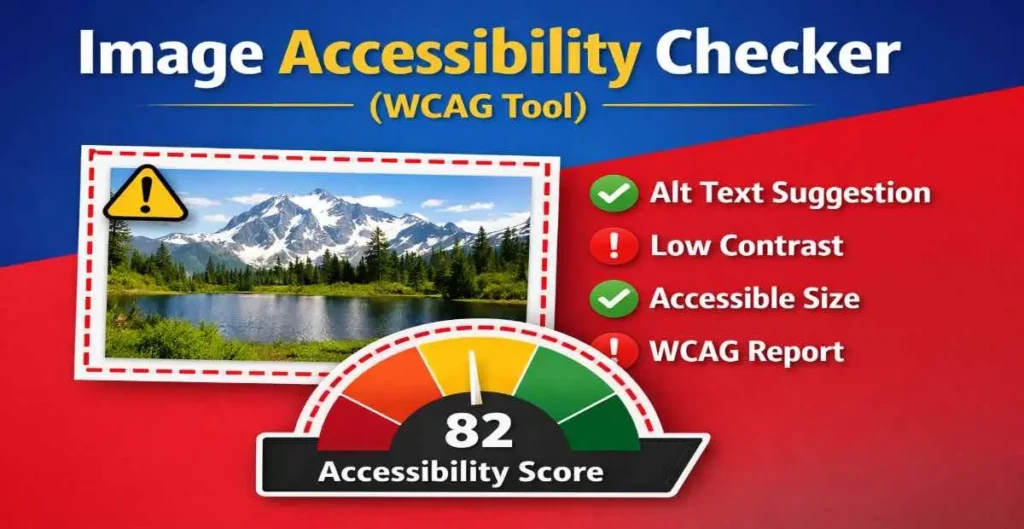
Image accessibility means making sure images can be understood by everyone, including users who rely on screen readers or have low vision.
Accessible images improve user experience and also help websites meet modern accessibility standards.
Google and accessibility guidelines strongly recommend using accessible images to improve SEO, usability, and legal compliance.
If you are working on image design or color selection, you can also use our 👉 Image Color Picker to choose accessible colors before testing your image.
How to Use the Image Accessibility Checker Tool
Using this image accessibility checker is very simple. Upload your image using the upload box. Once the image is uploaded, the tool instantly shows a preview and generates an accessibility report.
The report includes an accessibility score, image size checks, contrast warnings, and helpful suggestions.
You can also add a recommended alt text description to make your image more accessible for screen readers. No login or technical knowledge is required.
If your image file size is large, you can first reduce it using our 👉 Image Compressor and then test the compressed image for accessibility.
Accessibility Checks Performed by This Tool
This WCAG image checker analyzes important accessibility factors. It checks image dimensions to ensure they are suitable for readability.
It reviews aspect ratio to detect unusual image shapes that may affect viewing. The tool also estimates brightness and contrast to identify potential visibility issues.
An accessibility score out of 100 is generated to give you a quick understanding of how accessible your image is. Clear warnings and success messages help you understand what needs improvement.
After resizing images for your website using our 👉 Image Resizer Tool, it is important to check whether the resized images remain readable and accessible.
Why Use Our Image Accessibility Checker?
Our image accessibility checker is fast, lightweight, and works directly in your browser. Images are not uploaded to any server, which keeps your data private and secure.
Unlike complex accessibility tools, this tool focuses only on images and gives clear, actionable results. It is ideal for quick checks during website design, content creation, or SEO optimization.
Who Should Use This WCAG Image Checker?
This tool is useful for web developers who want to meet accessibility standards. Designers can use it to ensure images are visually accessible.
Bloggers and content creators can improve SEO by adding proper alt text. Businesses and website owners can reduce accessibility risks and improve user experience. Students and beginners can also use this tool to learn the basics of image accessibility.
Frequently Asked Questions (FAQs)
What is an Image Accessibility Checker?
An image accessibility checker is a tool that tests images for accessibility issues such as size, contrast, and usability according to WCAG guidelines.
Is this WCAG image checker free?
Yes, this tool is completely free to use with no limits.
Does this tool upload images to a server?
No, images are processed locally in your browser for privacy
Why is alt text important for images?
Alt text helps screen readers describe images to visually impaired users and also improves SEO.
Who should use this tool?
Web developers, designers, bloggers, SEO professionals, and website owners can all benefit from this tool.
Final Thoughts
If you want to improve website accessibility and create inclusive content, this Image Accessibility Checker is the right tool. It helps you identify issues, understand WCAG basics, and improve image usability in a simple and effective way. Use this tool regularly to make your images more accessible, user-friendly, and search-engine optimized.