
or click to upload
Images that are too large can cause real problems. They fail to upload on government forms, slow down websites, get rejected on job portals, and increase page load time. That is why many people search for a simple way to resize an image to an exact file size like 20KB, 50KB, or 100KB.
Our Resize Image to Exact KB Tool is built to solve this problem in the easiest way possible. You don’t need any technical knowledge, software, or sign-up. Just upload your image, choose the target size, and download the resized image instantly.
Resize Image to 20KB Online Instantly
Many online forms, government websites, and application portals require images to be under 20KB. Uploading a larger image often causes errors or rejection.
With this tool, you can easily resize image to 20KB online in just a few seconds. Simply upload your image, select 20KB, and download the resized image with the correct file size. No quality confusion, no manual compression, and no software installation needed.
Related tool – Signature Resize
Why Do You Need to Resize Images to Exact KB Size?
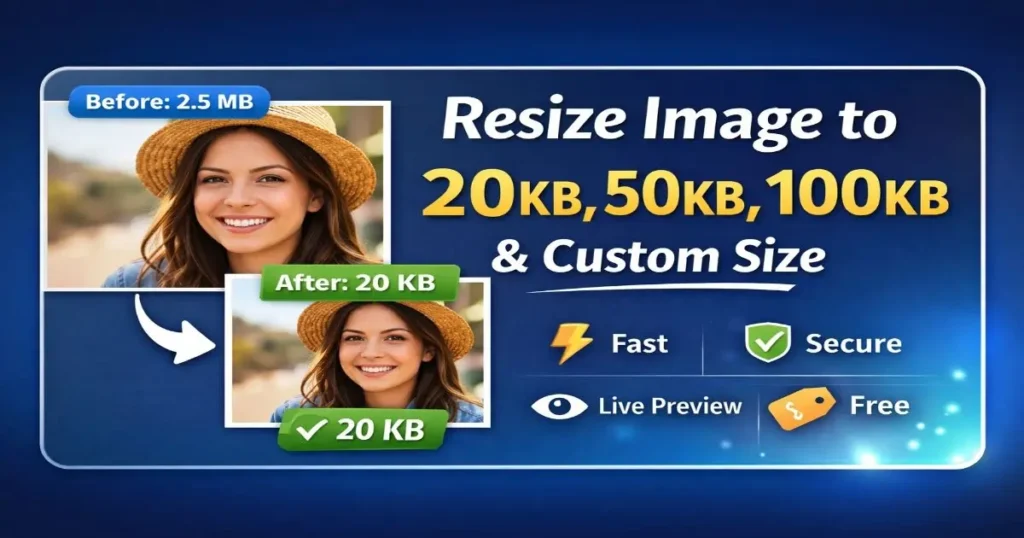
Many platforms have strict image size limits. For example, online forms often allow only images under 20KB or 50KB. Some websites require profile photos below 100KB.
Uploading a large image usually results in an error or rejection. Instead of guessing compression levels or using complicated software, this tool helps you resize images to an exact file size without losing unnecessary quality.
What This Tool Does (In Simple Words)
This tool reduces your image size while keeping it clear and usable. You can resize images to: 20KB for forms and documents, 50KB for profile photos and applications, 100KB for websites and blogs.
Any custom size you want in KB Everything happens directly in your browser. Your image is never uploaded to a server, so your privacy stays protected.
How to Resize an Image Using This Tool
Using this tool is very easy and takes only a few seconds. First, drag and drop your image into the upload box or click to select a file from your device.
Once the image is uploaded, you will see the original image preview along with its file size. Choose a preset size like 20KB, 50KB, or 100KB, or enter a custom size in KB.
Click on the Resize Image button. After processing, the resized image preview appears with the final file size.
Click the Download Image button to save it. If you want to resize another image, just press the Reset button and start again.
Live Preview and Exact Size Output
One of the best features of this tool is the live preview. You can see the final image before downloading it.
The tool also clearly shows the final file size, so you know your image meets the required limit. There is also a progress indicator that lets you know the image is being processed. This makes the tool feel fast, smooth, and reliable.
Safe, Fast, and Private
Your images are processed directly in your browser. They are not uploaded to any server, and nothing is stored. This makes the tool safe for personal photos, documents, and sensitive images. There are no watermarks, no hidden limits, and no forced registrations.
Safe, Fast, and Private
Your images are processed directly in your browser. They are not uploaded to any server, and nothing is stored. This makes the tool safe for personal photos, documents, and sensitive images. There are no watermarks, no hidden limits, and no forced registrations.
Why Choose This Image Resizer?
Simple and easy to use Resize to exact KB size Live preview before download Works on mobile and desktop No signup or login required Free to use
Final Words
If you are looking for a clean, fast, and reliable way to resize images to 20KB, 50KB, 100KB, or any custom size, this tool is made for you. It focuses on simplicity, accuracy, and user experience.
Try it once, and you’ll never need another image resizing tool again.
If you find this tool helpful, feel free to bookmark it or share it with others who might need it. 😊
You can resize an image to 20KB using this online tool by uploading your image, selecting the 20KB option, and clicking resize. The tool automatically adjusts the image size and allows you to download it instantly without installing any software.
Yes, this tool resizes images to exactly 20KB with minimal quality loss. It uses smart compression to keep the image clear while reducing the file size to meet strict upload requirements.
Yes, it is completely safe. Images are processed directly in your browser and are not uploaded, stored, or shared on any server, ensuring full privacy and security.
Yes, this tool supports resizing images to 50KB, 100KB, and even custom sizes. You can choose a preset size or enter your required file size in KB before resizing.
Many websites and government portals require images under 20KB to reduce server load and ensure faster uploads. Large images may fail validation or get rejected during submission.
Resizing mainly reduces the file size, not always the resolution. This tool compresses the image efficiently so it remains clear and readable even after resizing.
Yes, you can resize images to 20KB on mobile devices including Android phones and iPhones. The tool is fully responsive and works smoothly on mobile browsers.