
If you are looking for a simple way to compress a photo to an exact file size, you are in the right place. Our Photo Compress to Exact Size tool helps you reduce image size to 20KB, 50KB, 100KB, or any custom KB size instantly, without losing important image quality.
This tool works directly in your browser, so your images are 100% safe and private. No upload to any server is required.
Why Do You Need to Compress Image to Exact Size?
Many websites, forms, and applications require images in a fixed size limit. For example, passport forms, job applications, government portals, and exam forms often ask for:
- Photo size exactly 20KB
- Image size under 50KB
- Signature image less than 100KB
Normal image compressors reduce size randomly, but they do not give exact results. That’s why this tool is specially designed to compress images to an exact target size in KB.
Resized images should also be accessible. Test them using our WCAG image accessibility checker.
Key Features of Photo Compress to Exact Size Tool
Our tool is designed to be fast, accurate, and beginner-friendly.
- Compress image to exact KB size
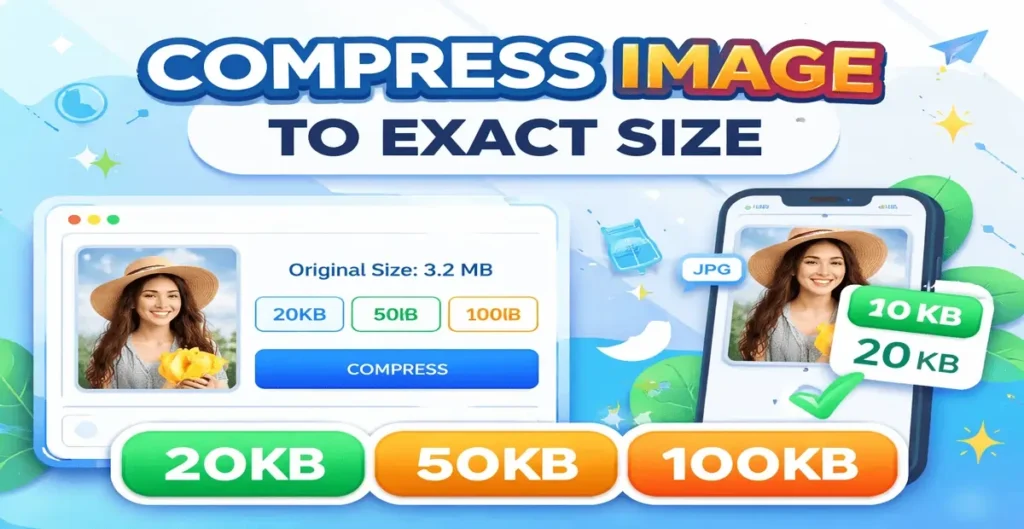
- Quick buttons for 20KB, 50KB, and 100KB
- Live image preview before compression
- Shows original image size
- High accuracy compression
- No software installation needed
- Works on mobile, tablet, and desktop
- Free to use forever
How to Compress Image to Exact Size Online
Using this tool is very easy. You don’t need any technical knowledge. First, click on the upload image box and select your photo from your device.
Once uploaded, you will see a live preview of your image along with the original file size. Next, choose a preset size like 20KB, 50KB, or 100KB, or enter your own custom size in KB.
Finally, click the Compress button. Within seconds, your image will be compressed to the exact size you selected. You can then download the compressed image instantly.
Supported Image Formats
This tool supports all common image formats such as: JPG, JPEG, PNG, and WebP For exact file size accuracy, images are automatically converted to JPG format, which gives better size control and stable results.
Why Choose FreeImageResizer.net?
There are many image compressors online, but most of them only reduce size approximately. Our tool is different.
It is specially built for exact KB compression, It maintains good visual quality, It is fast and lightweight, No login or signup required, No watermark added Your images stay on your device, ensuring full privacy and security.
Best Use Cases
This tool is perfect for: Online form photo upload, Passport and visa photos, Government exam, applications Job, application images, Website image optimization, Email attachment size reduction
Tips for Best Results
If your image is very large, try selecting a slightly higher KB size first. Clear images with simple backgrounds compress better and give more accurate results. For strict requirements, always double-check the final file size before uploading.
Frequently Asked Questions (FAQs)
Is this tool free to use?
Yes, this image compression tool is completely free.
Will image quality be reduced?
The tool balances size and quality automatically to give the best possible output.
Is my image uploaded to a server?
No. All processing happens in your browser.
Can I use this tool on mobile?
Yes, it works smoothly on Android, iPhone, and tablets.
Final Words
If you need to compress photo to exact size online, this tool is one of the easiest and most reliable solutions available. Whether you need 20KB, 50KB, 100KB, or any custom size, our tool delivers fast and accurate results. Try it now and make image compression simple.