
Reduce WebP image size under 30KB online for free. Preview image, check original & final size, compress without quality loss, fast & secure tool.
In today’s fast digital world, image size matters a lot. A heavy image can slow down your website, increase bounce rate, and even hurt your Google rankings. That is why many website owners, bloggers, and developers now prefer WebP images.
But sometimes even WebP images are bigger than required. If you are searching for a WebP size reducer under 30KB, you are in the right place.
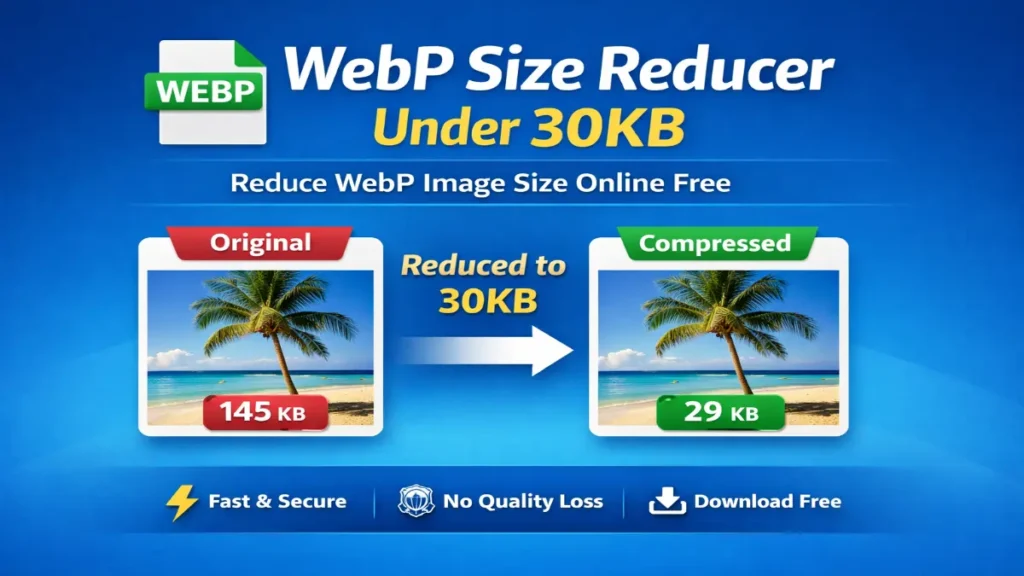
Our WebP Size Reducer Tool helps you reduce WebP image size up to 30KB without losing quality, directly in your browser. No signup, watermark. No upload to any server.
Why Reduce WebP Image Size Under 30KB?
Reducing WebP images below 30KB is extremely important for: Website speed optimization, Core Web Vitals improvement, Faster mobile loading, Better SEO rankings, Saving bandwidth and hosting cost Google officially recommends using next-gen image formats like WebP for better performance .
What Makes Our WebP Size Reducer Special?
Our tool is built for real users, not just for demo purposes. You can upload a WebP image and instantly: See original image preview, Check original image size, Reduce image size under 30KB, See final preview before download, Compare original vs reduced size, Download optimized WebP image Everything works 100% online, directly in your browser.
How to Reduce WebP Image Size Under 30KB (Step-by-Step)
Using this tool is very easy, even if you are not technical. First, click on Choose File and upload your WebP image. After upload, you will see a live preview of the original image along with its size in KB.
Now click on Reduce Image, A progress bar will show real-time compression status. Once completed, you will see the final image preview and new reduced size. If you are satisfied, click Download WebP. That’s it. No confusion. No extra steps.
Original Size vs Reduced Size (Live Comparison)
One powerful feature of this tool is size comparison. Before downloading, you can clearly see: Original image size (KB) Final reduced image size (KB), Total size saved, This helps you decide whether the compression is perfect for your need.
Who Should Use This Tool?
This WebP reducer is perfect for: Bloggers who want faster pages, SEO professionals optimizing Core Web Vitals, Developers building fast websites, Students working on projects WordPress users optimizing images Anyone who wants small, high-quality images
Privacy & Security – 100% Safe
Your images are never uploaded to any server. All processing happens inside your browser. No data storage, No tracking, No login, No watermark, This makes it safer than many online image compression websites
Our others Tools You May Also Like
If you are working with images and documents, try these helpful tools:
👉 Compress Image Under 100KB – perfect for form uploads and government portals
👉 Circle Crop Image Online Free – create circular profile images instantly
👉 Word to PDF Converter Free – convert DOC to PDF securely
👉 PDF to Image Converter Online – extract images from PDF files
These tools are designed to work fast and smoothly, just like this WebP reducer.
Frequently Asked Questions
You can use our WebP Size Reducer Under 30KB tool. Upload your image, reduce size, preview result, and download instantly.
No. The tool uses smart compression to maintain visual quality while reducing file size.
Yes, this tool is 100% free with no hidden limits or watermark.
Yes. The tool is fully responsive and works on mobile, tablet, and desktop.
Yes. Images are processed locally in your browser and never uploaded to any server
Absolutely. Smaller images help improve page speed, SEO, and Core Web Vitals.
For icons, thumbnails, and UI images, keeping images under 30KB is ideal for performance.
Final word
If you want a fast, clean, and professional WebP size reducer under 30KB, this tool is built for you. No ads, confusion. No quality loss. Just upload → reduce → preview → download. If this tool helped you, please share it with others. Your support motivates us to build more free & powerful tools ❤️